Card 15 of 44· Domain 2 · Design
Copilot in Dynamics 365 — customer experience and service
The four design tasks the outline names, why business terms stop answers being generically right and locally wrong, and the three situations that justify a custom agent alongside.
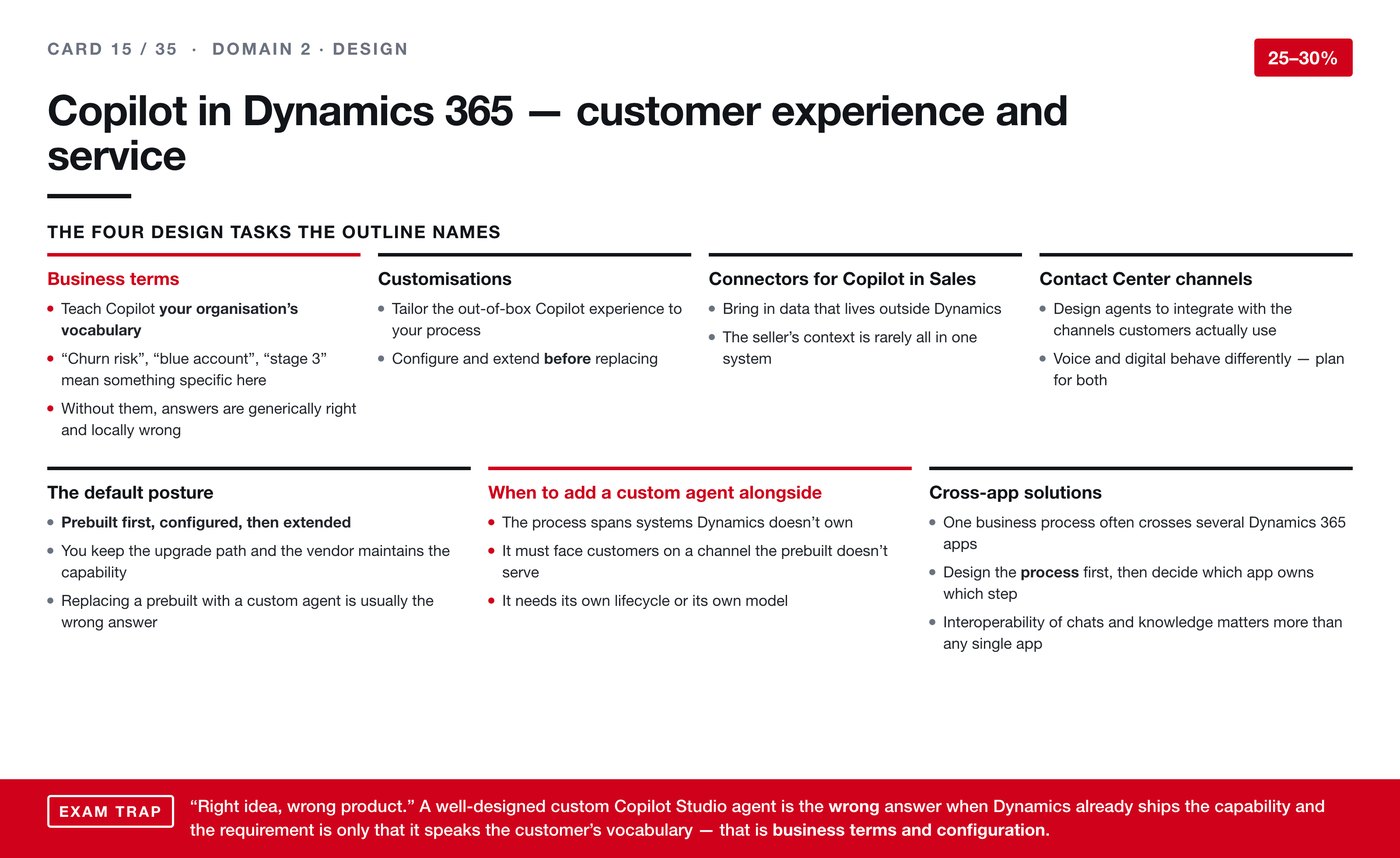
The outline names four design tasks for Copilot inside Dynamics 365, and the card
covers all four. What ties them together is a posture: use what is already there
before you build anything.
The four design tasks
Business terms. Teaching Copilot your organisation's own vocabulary. Phrases
like churn risk, blue account or stage three mean something specific in your
business and nothing in general. Without them, answers come back generically right
and locally wrong — which is worse than being obviously wrong, because nobody
notices.
Customisations. Tailoring the out-of-the-box experience to your process.
Configure and extend before you consider replacing.
Connectors for Copilot in Sales. Bringing in data that lives outside Dynamics,
because a seller's context is rarely all in one system.
Contact Center channels. Designing agents to work on the channels customers
actually use, remembering that voice and digital behave differently and both need
planning.
The default posture
Prebuilt first, configured, then extended.
You keep the upgrade path and the vendor maintains the capability. Replacing a
prebuilt with a custom agent is usually the wrong answer, and it is a costly kind
of wrong because you inherit maintenance forever.
When a custom agent alongside it is justified
Three situations, and they are specific.
The process spans systems Dynamics does not own. It must face customers on a
channel the prebuilt does not serve. Or it needs its own lifecycle or its own
model.
Anything short of those, and configuration is the answer.
Cross-app solutions
One business process often crosses several Dynamics 365 apps. Design the
process first, then decide which app owns which step — not the other way
round.
And the point worth carrying into real work: interoperability of chats and
knowledge matters more than any single app's capability. A process that works
beautifully inside one app and breaks at the handover is not working.
Exam trap. "Right idea, wrong product" again. A well-designed custom Copilot
Studio agent is the wrong answer when Dynamics already ships the capability
and the requirement is only that it speaks the customer's vocabulary — that is
business terms and configuration.
The one line to carry: if the only gap is vocabulary, the answer is business
terms, not a new agent.
Goes with: card 38, which names every agent in every Dynamics 365 app and
explains why most of the AI is inherited from the platform underneath.