The interesting part of OpenAI's dots is where they put the rules
OpenAI launched dots at DevDay on 29 September. They're always-on agents, and each one gets its own cloud computer. Most coverage will lead with the cartoon avatar. I think the safety post that…
OpenAI launched dots at DevDay on 29 September. They're always-on agents, and each one gets its own cloud computer. Most coverage will lead with the cartoon avatar. I think the safety post that shipped alongside it is the part worth reading. It's a working answer to a question every company running agents has to answer: what stops an agent from doing the wrong thing when nobody is watching?
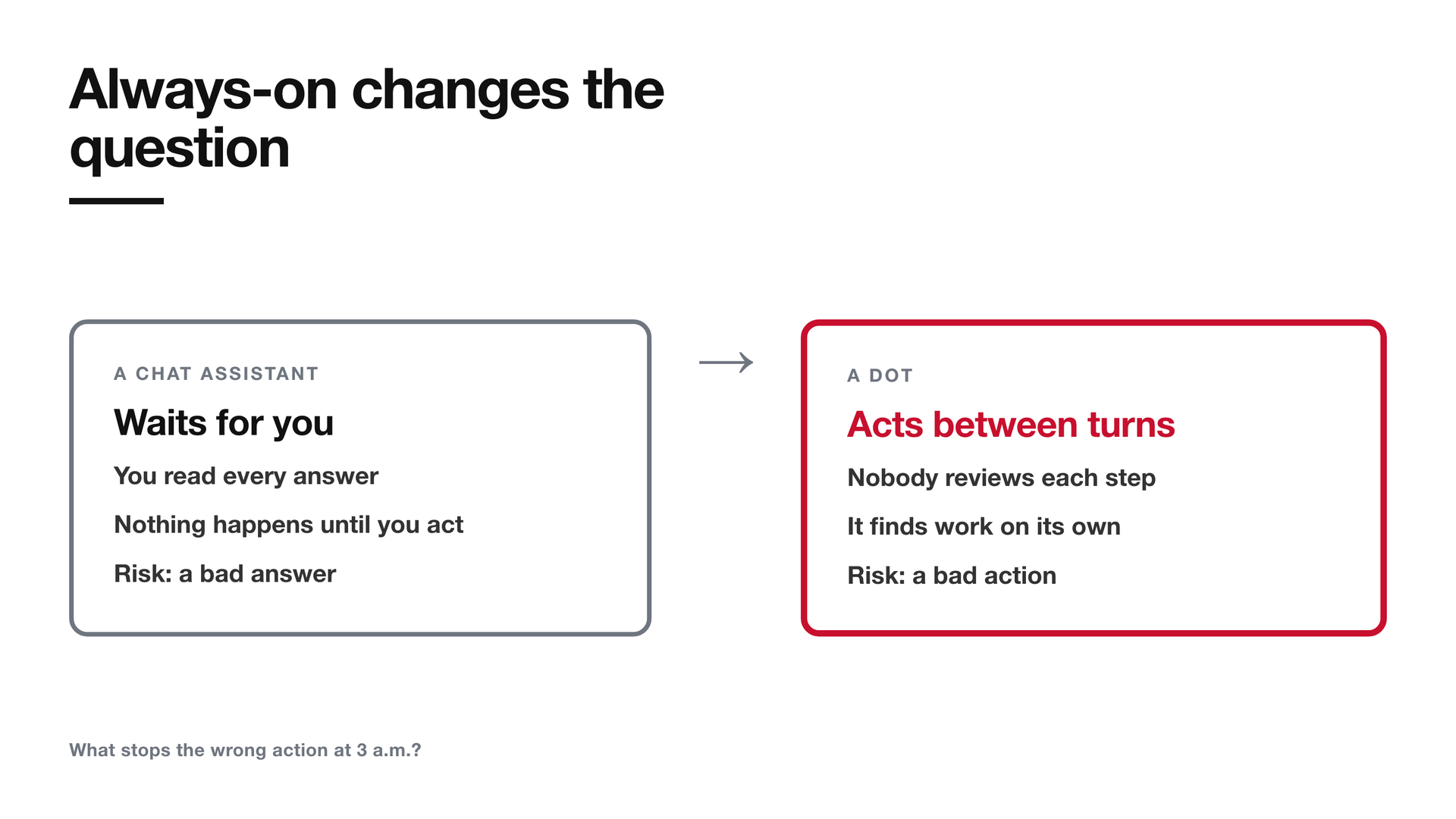
A chat assistant waits for you. You ask, it answers, and you read the answer before anything happens. A person reviews every turn.
A dot doesn't wait. OpenAI says it can "work towards your goals 24/7". It keeps working between conversations, and it looks for things to do on its own. That changes what you have to worry about. It's less about whether the answer is good and more about what stops a bad action at three in the morning.
OpenAI's answer is worth studying even if you never buy a dot. Nearly every safeguard it describes sits somewhere the agent can't reach.
What a dot actually is
Start with the facts, because the name gives nothing away.
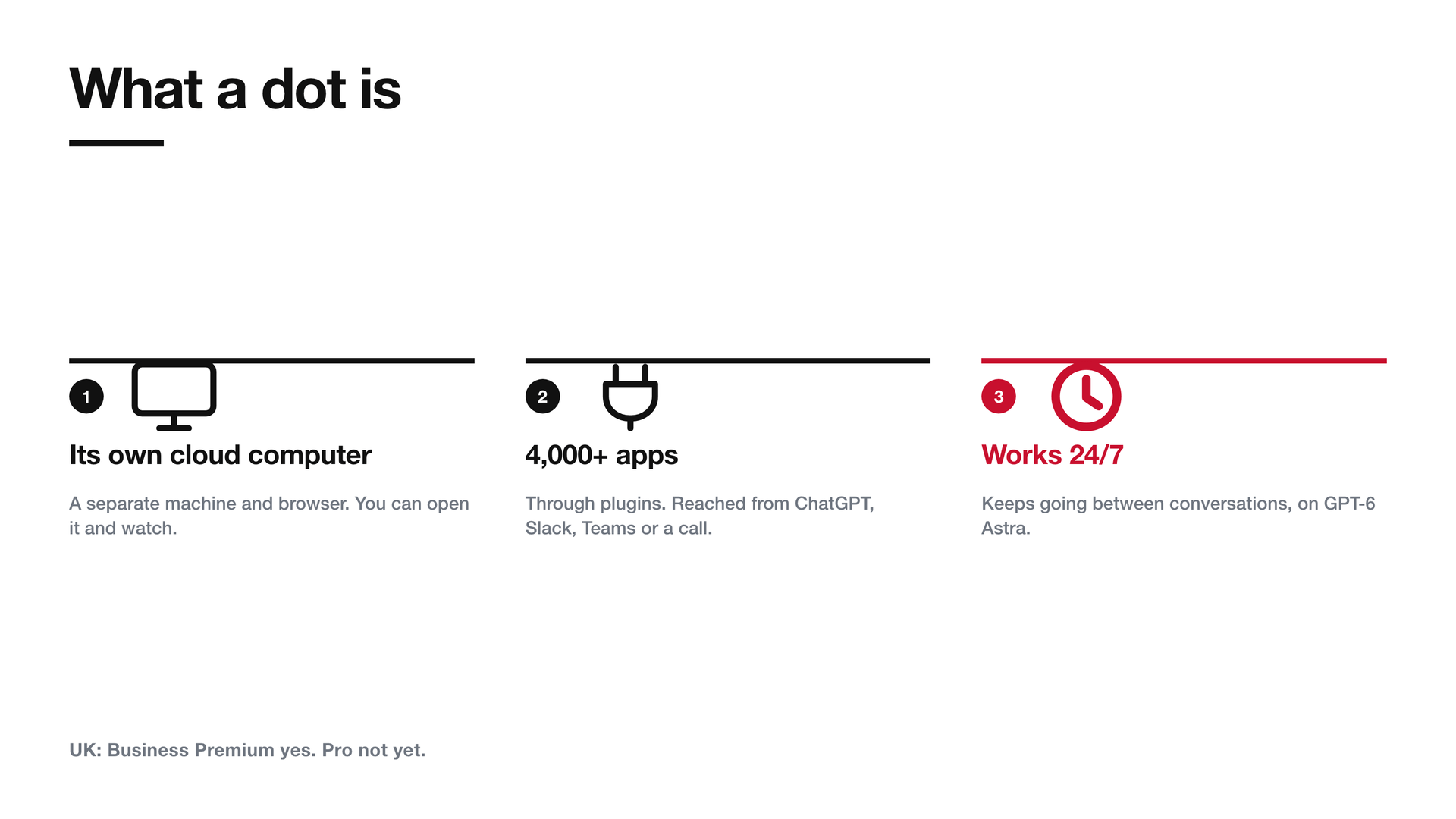
"Dots are frontier intelligence that have your back. Powered by GPT‑6 Astra, they have their own cloud computer, learn from feedback over time, and can work towards your goals 24/7. Through our ecosystem of plugins, they can readily connect to over 4,000 apps, giving them the tools to help wherever you need them."
GPT-6 Astra is the model underneath. The cloud computer is a separate machine, with its own browser, where the dot does its work. You can open it at any time and watch. You reach your dot through ChatGPT, Slack, Teams or a voice call, with texting "coming soon".
OpenAI's own example is small and telling. An early tester's dot "noticed he'd forgotten to invoice a publication, prepared the invoice, and sent it after his approval." Nobody asked it to look for missing invoices. It noticed, did the work, then stopped and asked before sending.
Availability is uneven, and it matters if you're in Britain:
"Dots are rolling out in ChatGPT on web, mobile, and desktop starting today to Pro users in markets excluding the European Economic Area, Switzerland, and the UK. Dots are also available to Business Premium users across all supported ChatGPT regions …"
Enterprise, Edu and Healthcare workspaces get a beta, but only when an admin switches it on. It starts off by default. The first dot is included in the Pro and Business Premium plans, and for the first month dot usage won't count against plan allowances. OpenAI hasn't published what happens after that. It says it will "share usage terms for each plan".
Always-on changes the question you have to ask
OpenAI's safety post names the problem plainly:
"Those questions matter because an agent's mistakes can have consequences beyond a conversation: misunderstanding a request could lead it to change the wrong file or share information you intended to keep private."
With a chatbot, a wrong answer is text on a screen. You can ignore it. With an agent, a wrong answer can be an email that has already gone.
The usual first move is to write better instructions. Tell the agent to be careful and to ask before it sends anything. The trouble is that an instruction is just text the model reads. It can misread it. A malicious web page can argue it out of it. OpenAI names that risk directly:
"A webpage, email, or document can contain malicious instructions that try to redirect them or make them share private information—a problem called prompt injection."
In plain English: prompt injection is when content the agent reads while working, like a web page or an email, contains hidden instructions that try to take over the agent.
So instructions alone can't be the safety system. What OpenAI built instead is mostly structural. Each piece takes a capability away, or puts a check where the agent can't touch it.
The background work is read-only, and that's enforced in code
When you aren't talking to it, a dot does what OpenAI calls proactive research. It reads your connected apps and looks for ways to help. It might notice that your travel plans have changed.
That's the riskiest moment in the whole design. The agent is acting on its own initiative and nobody is watching. So OpenAI took away its ability to act:
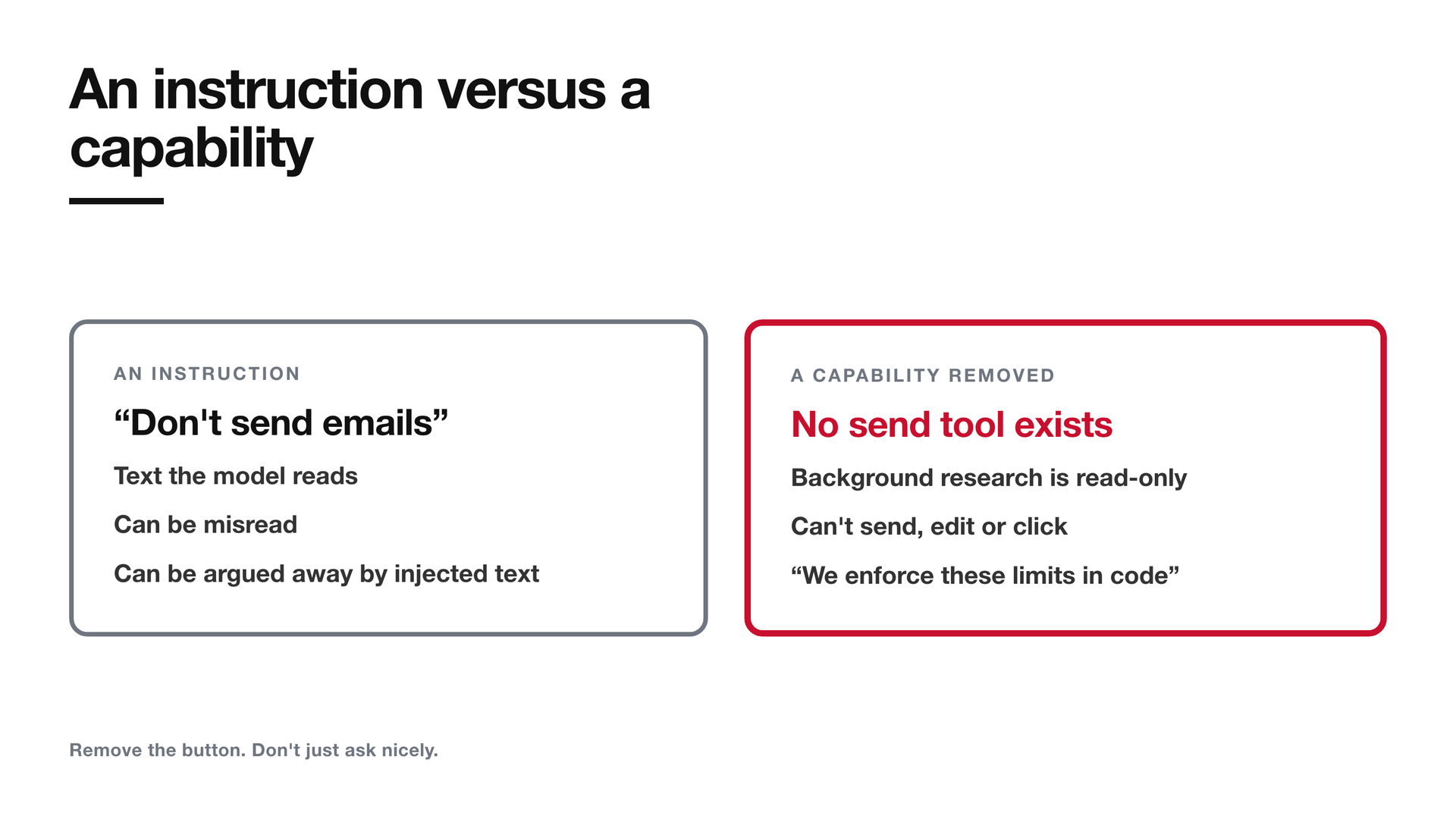
"They use read-only tools to gather information from permitted connected sources, then save private notes for that dot. We enforce these limits in code: the research tasks cannot directly send messages to other people, change content in connected apps, or control a browser or desktop."
Read the middle sentence again: "We enforce these limits in code." The dot hasn't been asked to behave during background work. The tools it has at that point can't send, edit or click. There's nothing to argue it out of.
This is the difference between an instruction and a capability. An instruction says "don't send emails". Removing the capability means no send button exists. The first depends on the model behaving. The second doesn't.
Anything the dot wants to do with what it found goes back through the normal route. OpenAI says any follow-up action "must follow the usual rules and checks".
The check sits outside the thing it checks
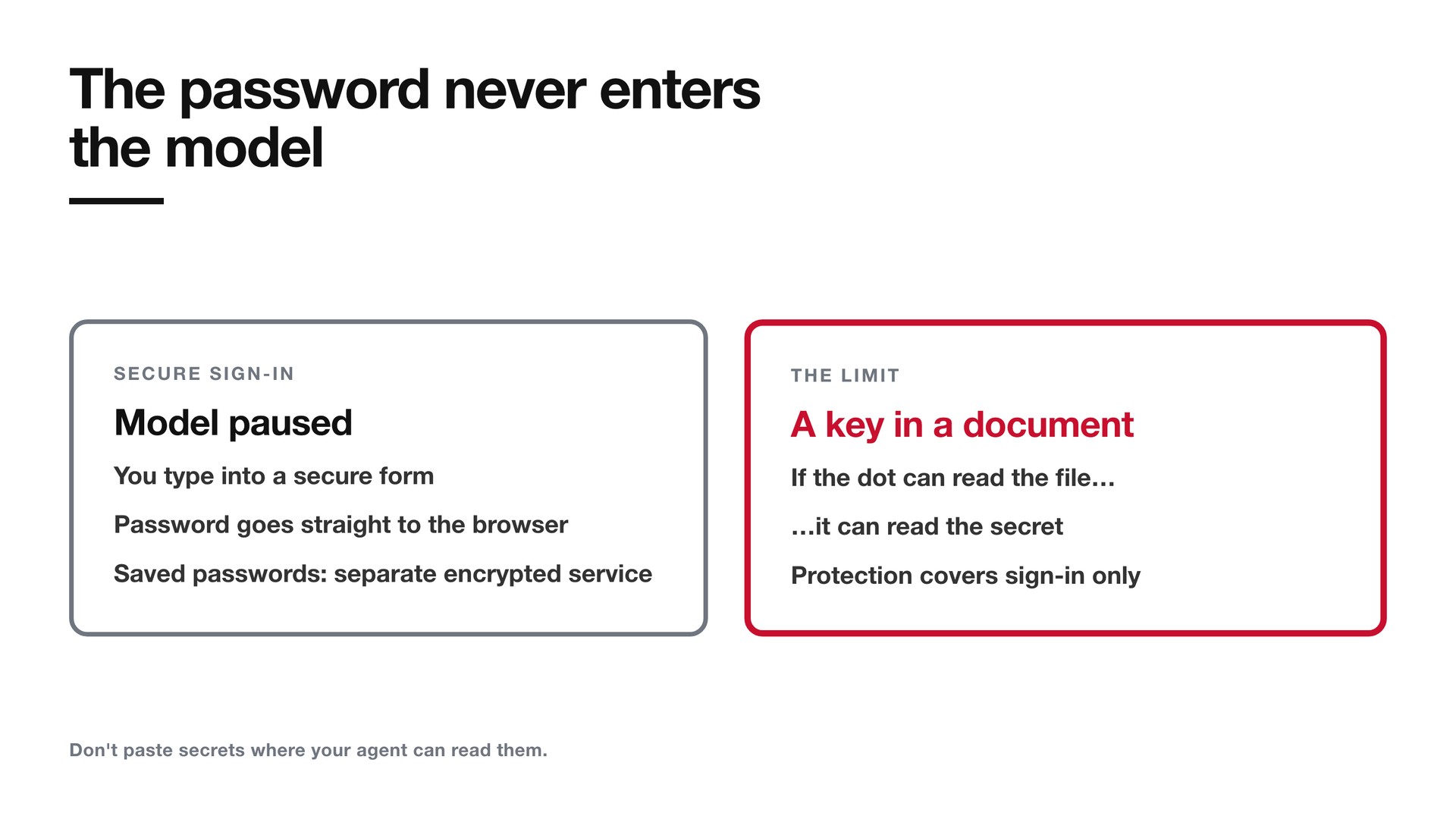
Before a dot sends an email or changes a file, a separate system called Auto-review looks at the planned step.
"Before dots take actions such as sending emails or changing files, a separate safety system called Auto-review checks the planned steps against your instructions, Custom Rules, and safety requirements. For an email, it checks the recipient and message to help catch a wrong address or information you did not intend to share."
If Auto-review blocks a step, the action doesn't run. The dot is told why, and it can ask you, try something permitted, hand the step back to you, or stop.
The sentence I'd underline is about where Auto-review lives:
"We keep the controls that enforce Auto-review outside the environments dots can change, so they cannot change or turn off a required check."
The same idea shows up for the dot's computer:
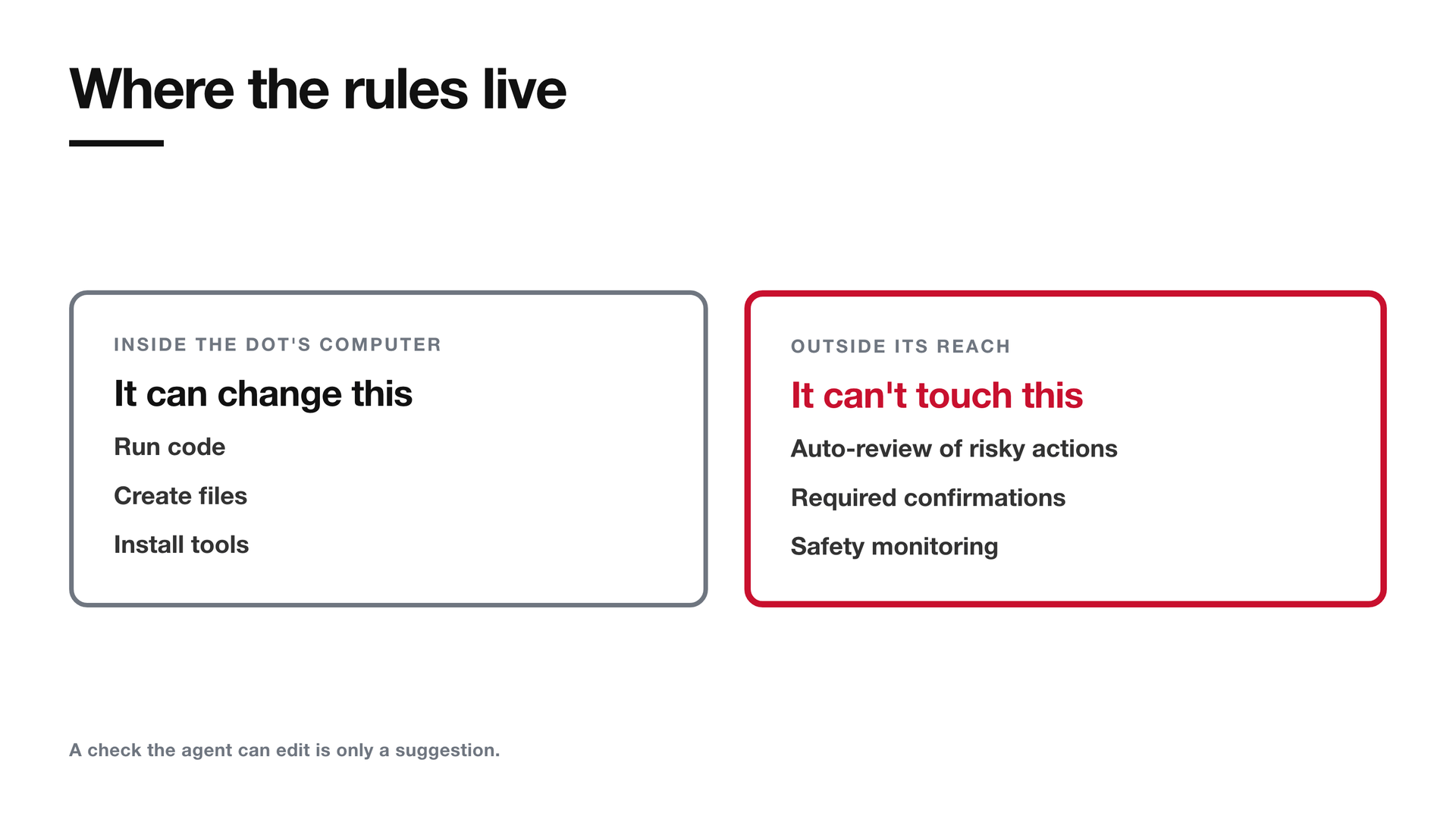
"Dots run code in environments that are separate from the systems that coordinate their work and enforce key safeguards. They can create files and run tools there, but they cannot use that access to change those safety systems or turn off required checks."
A dot can install software and run code on its own machine. That's the whole point of giving it one. So every safeguard that matters has to live somewhere else. A check the agent can edit is only a suggestion. OpenAI has put its checks in a different room from the agent.
Three kinds of action, and you can only loosen one
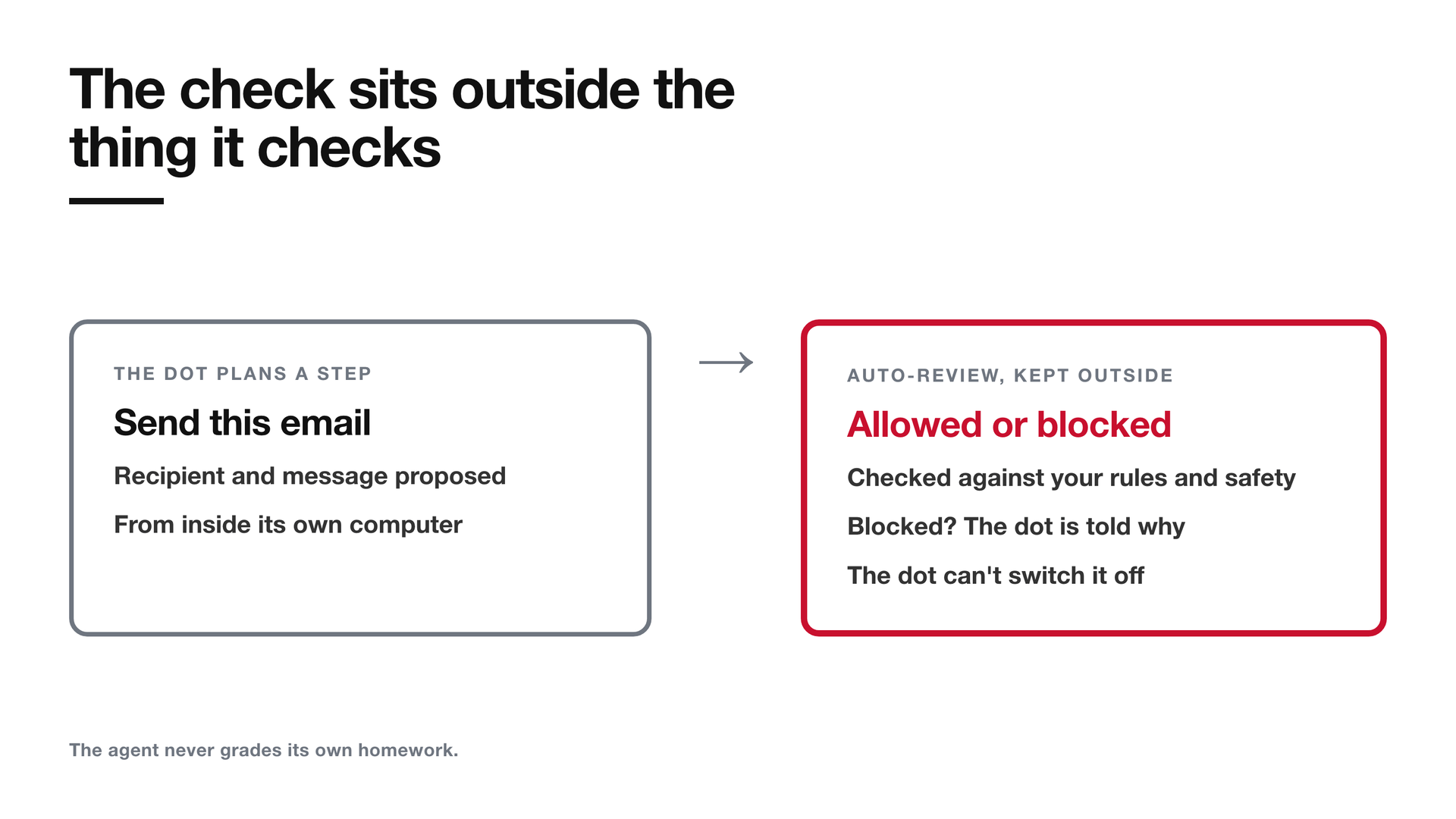
Dots sort what they do into three groups.
Proceed covers reading what they're allowed to read, analysing it, and drafting.
Confirm each time covers anything hard to undo:
"Some actions require your confirmation each time, including permanently deleting data, installing or running software from an unrecognized source, or granting new security-sensitive access."
Hand it back covers steps the dot may help around but never do itself:
"For other sensitive steps, including changing a password or transferring money between financial accounts, dots can help with the surrounding task but must hand those sensitive steps back to you."
Purchases sit in between. A dot can buy something with a card you've already saved on a merchant's site, but only with your approval.
You shape this with Custom Rules. They let you allow an action, require approval for it, or block it. "Never send emails" is one rule. But the rules only move in one direction:
"These preferences work within the built-in guardrails and cannot remove mandatory confirmations, handoffs, or core safety requirements."
You can make a dot more cautious than the default. You can't make it less cautious than the floor. And the dot can't rewrite its own rules: "Dots can help you write Custom Rules, but they need your approval to change them."
Permission to share depends on what's being shared
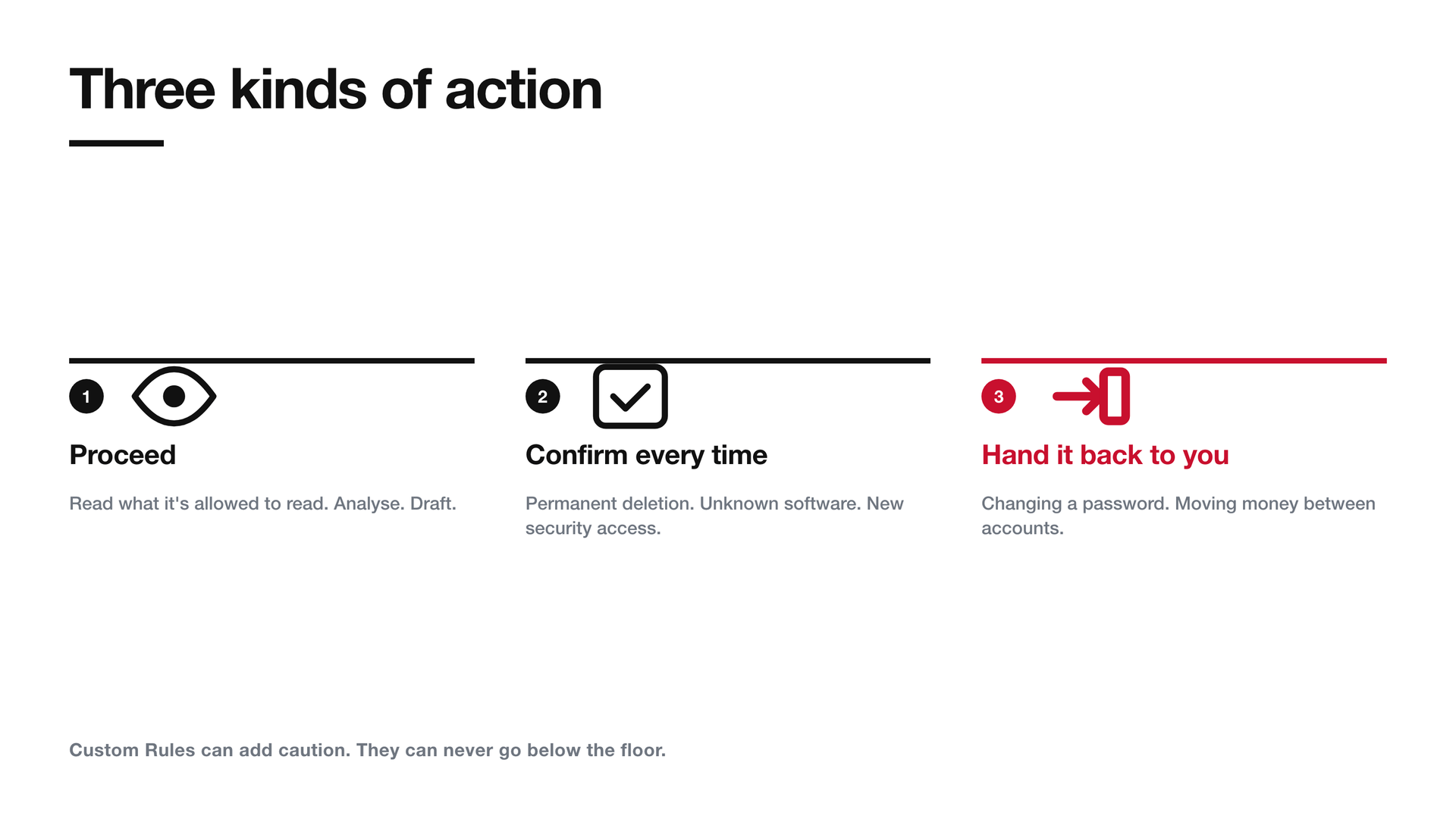
The finest detail in the safety post is how dots decide whether they may send something to someone. The permission has to match how sensitive the data is.
"For instance, health data will always require the user to specify a named recipient ('share my medical history with Dr. Thompson'). Less sensitive personal data, like an e-mail address or phone number, will by default require the user to specify classes of recipients ('any airline company')."
So "share my details with airlines" is enough for a phone number. It's never enough for a medical history. Health data needs a person's name.
Permission also doesn't spread. OpenAI says the authorisation "stays tied to your instructions for the task; continuing later or delegating work does not expand it." If your dot hands part of the job to another agent, that agent gets no more permission than you gave for the original task.
That's least privilege applied to the conversation itself. Permission is attached to one task, one kind of data and one kind of recipient. It doesn't grow as the work moves on.
The password never enters the model
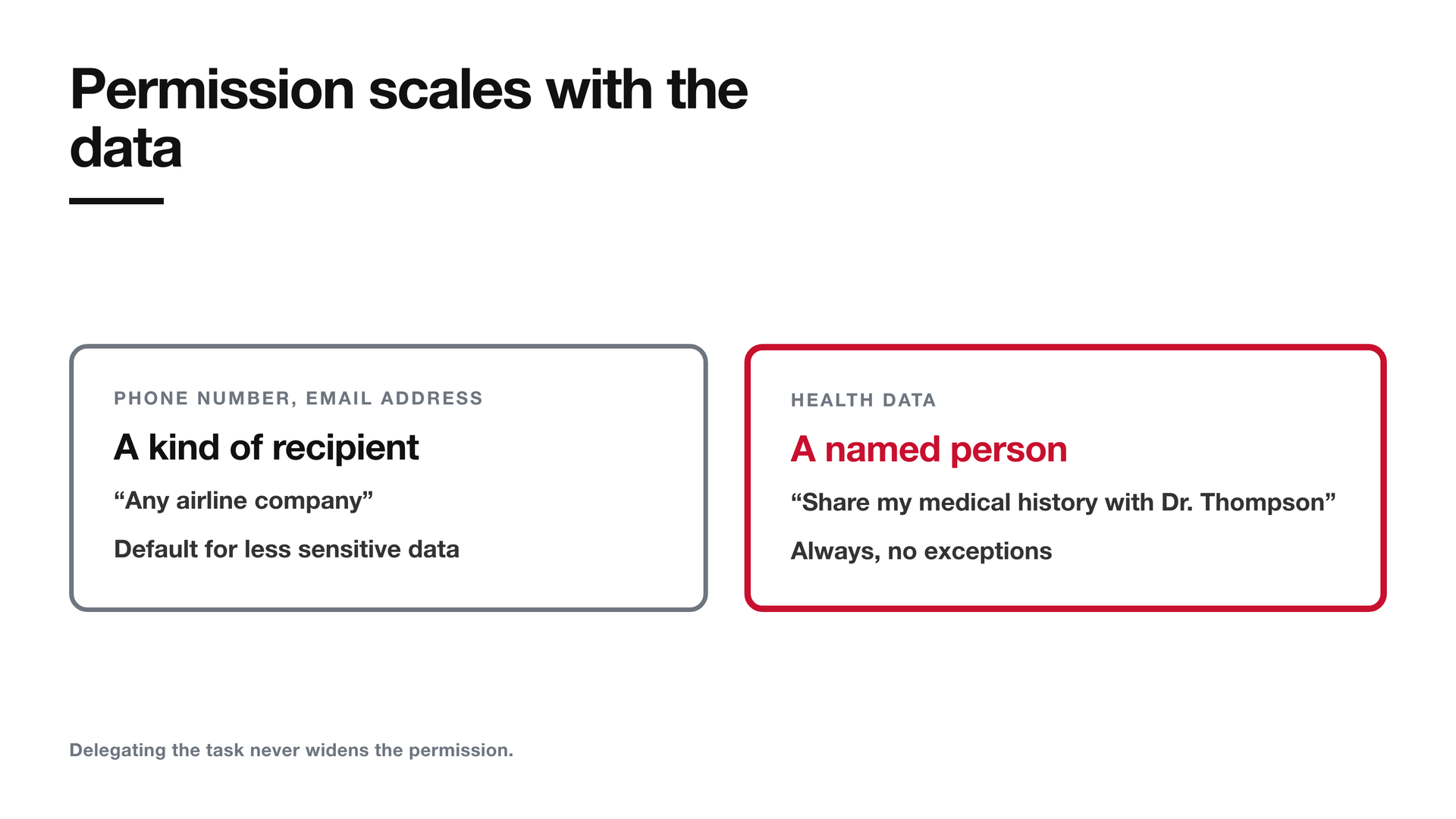
Agents need to sign in to things, and credentials are the obvious worry. OpenAI's approach is to keep the password out of the model's view completely:
"For supported sign-ins, the model is paused while you complete a secure login form, which sends your credentials directly to the browser environment and submits them without exposing them to the model's context."
Saved passwords work the same way, through a separate encrypted credential service. The model never sees them, so it can't repeat them in an answer or leak them to an injected instruction.
OpenAI is honest about the edge of this, and it's worth quoting in full:
"These protections are specific to secure sign-in and saved-password flows; a secret placed separately in a readable message or document may still be visible to the model."
If you paste an API key into a document your dot can read, the dot can read the key. The protection covers the sign-in route. It doesn't cover everything else you connect.
What this means if your company runs on Microsoft
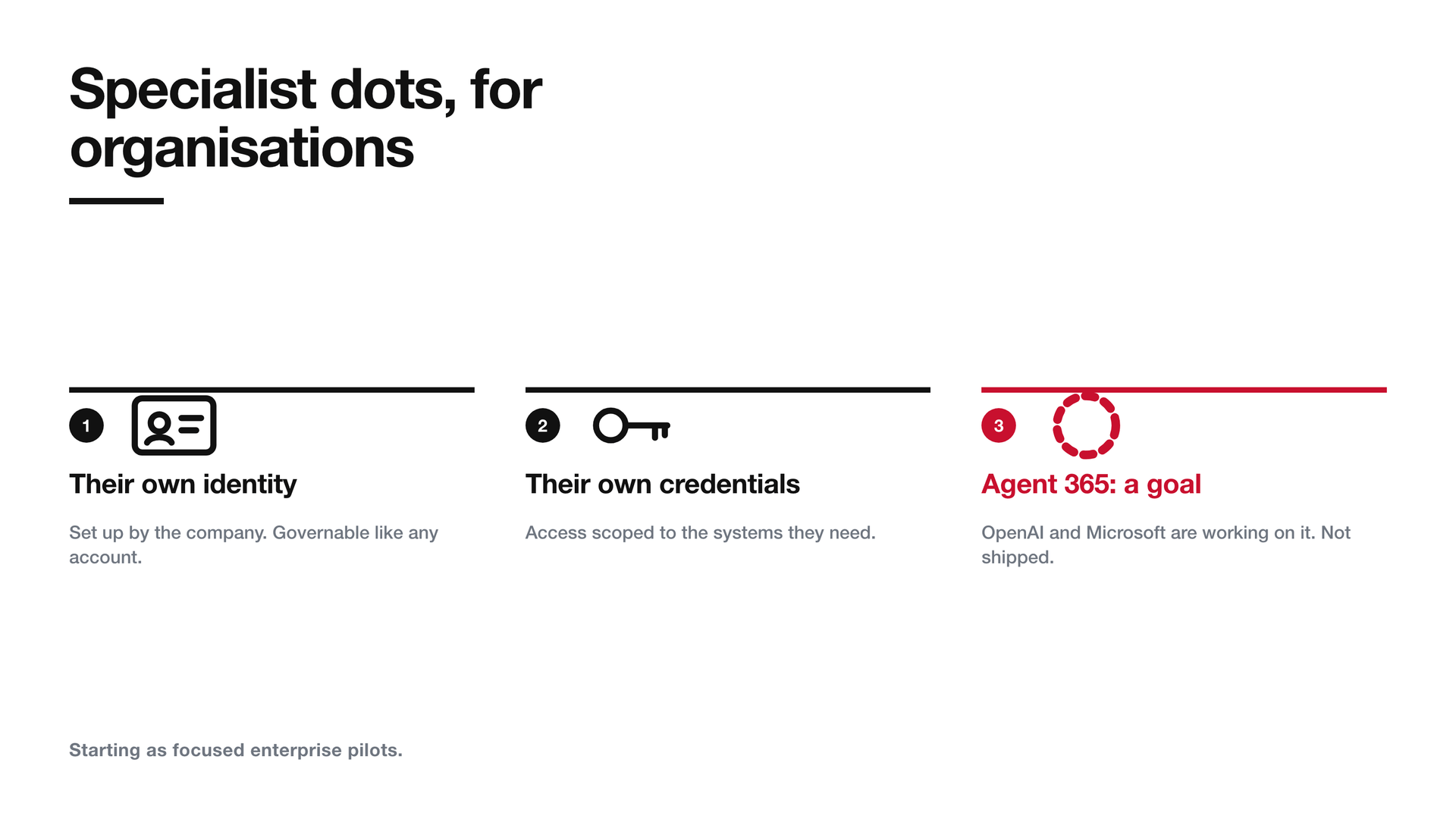
There's a second product in the announcement, aimed at organisations. Specialist dots get their own identity, their own credentials and their own access to company systems. OpenAI says it's learning from internal tests "across procurement, invoice processing, email marketing, customer support, and commercial contracting". For now it's "starting with focused enterprise pilots", with OpenAI engineers defining each dot's responsibilities alongside the customer.
Then there's this:
"We're also working with Microsoft to integrate specialist dots with their enterprise governance and security controls in Agent 365. The goal is to let businesses manage dots through the Microsoft tools they already use."
It's worth being exact about the tense. That's a goal. It hasn't shipped. Today, a Microsoft shop can't manage a dot from Agent 365.
But the direction matters. An agent with its own identity and credentials is something an identity team can govern: scope it, review it, switch it off. An agent that borrows a person's login is much harder to govern. OpenAI chose the first model for its enterprise product, and chose to plug it into the control plane most large companies already run. If you're deciding how your organisation will govern agents, that's the pattern to plan for, whichever vendor you pick.
The trap
Disconnecting an app doesn't make the dot forget what it already read.
This is the control almost everyone will reach for first. A dot has seen something it shouldn't have, or you've changed your mind about an integration, so you disconnect the app. It feels like revoking access. It only revokes future access.
OpenAI's help centre says so directly:
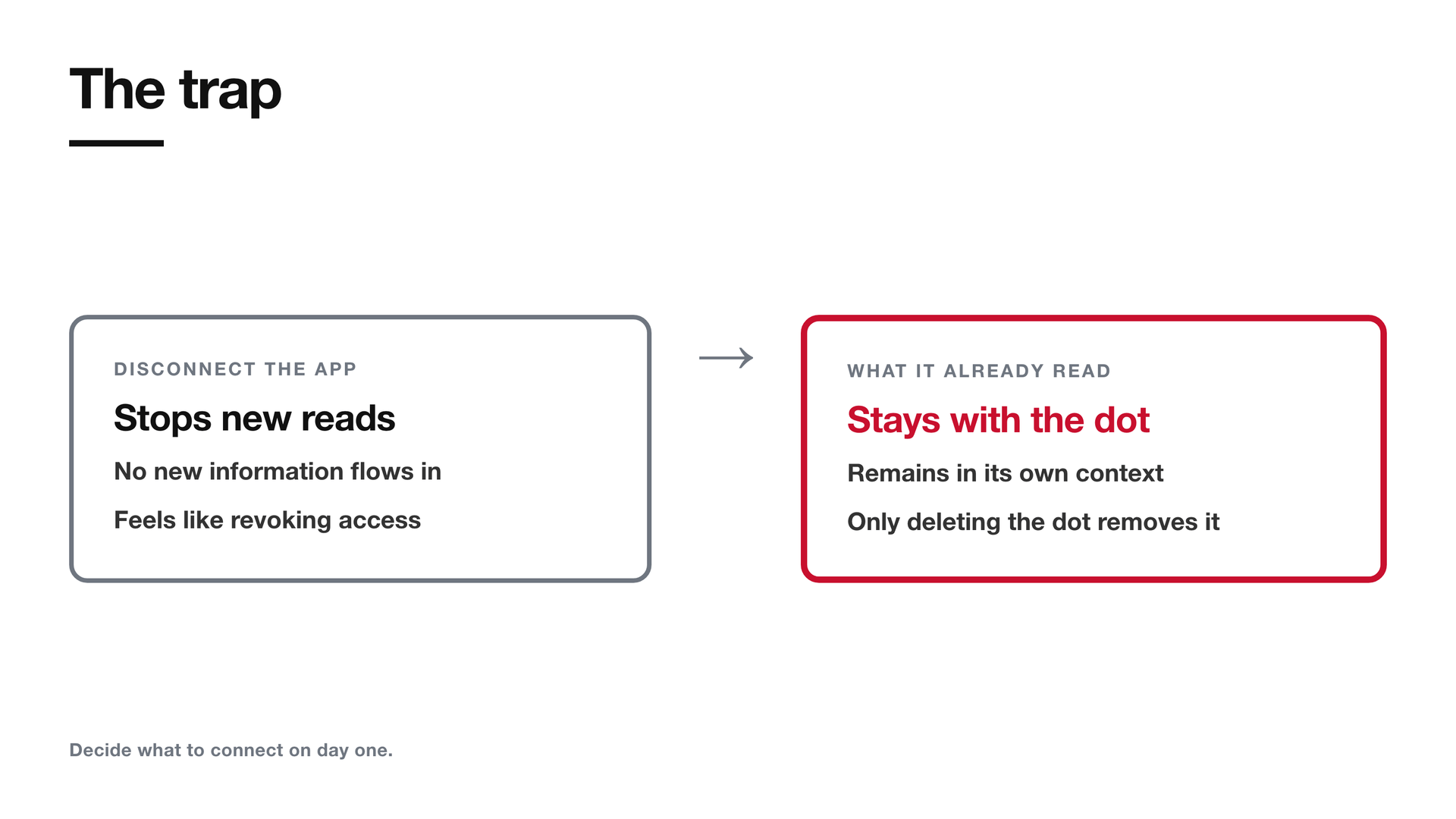
"Disconnecting an app does not delete information your dot has already obtained from it. To delete that information, you need to delete your dot."
And the safety post says the same:
"Disconnecting an app stops new information sharing through that connection. But information a dot has already learned remains in its own context."
Now add proactive research. The help centre notes that your dot can review connected apps and "form memories from it, even when you haven't asked a specific question about it". So a dot doesn't only learn what you point it at. It learns from everything you connect.
That moves the real decision to day one. What you connect is effectively what the dot will know until you delete it. So the question to ask before connecting a mailbox, a drive or a CRM isn't "can I turn this off later?" It's "am I happy for this agent to remember what's in here?"
No comments yet — be the first to add to the discussion. Comments appear after they’re reviewed.
Want more insights?
Subscribe to get the latest articles delivered straight to your inbox.